Snippets SDK for Unity
Implementation and Usage Guide
1. Introduction
The Snippets SDK is the Unity integration layer for Snippets content. It connects your Unity project to the Snippets platform so you can import Snippet Sets created on the web portal, generate ready-to-use Unity prefabs, and play them in your scenes with synchronized animation, audio, and text.
In practice, the SDK covers two needs:
- Content operations in the Unity Editor: login, browse sets, import/update/remove sets, generate prefabs.
- Runtime playback in scenes: play snippets directly or orchestrate them with helper tools for actor control, movement, flow sequencing, and gaze behavior.
Mental model:
- Create and publish content in the Snippets web portal.
- Import that content into Unity through the SDK.
- Choose your playback mode: standalone snippet playback or controller-based orchestration.
- For controller-based orchestration, you can set up scene manually or navigate to Snippets > Scene Auto Setup. This can generate the initial runtime setup, with the base snippet helper-tool components automatically set-up in scene.
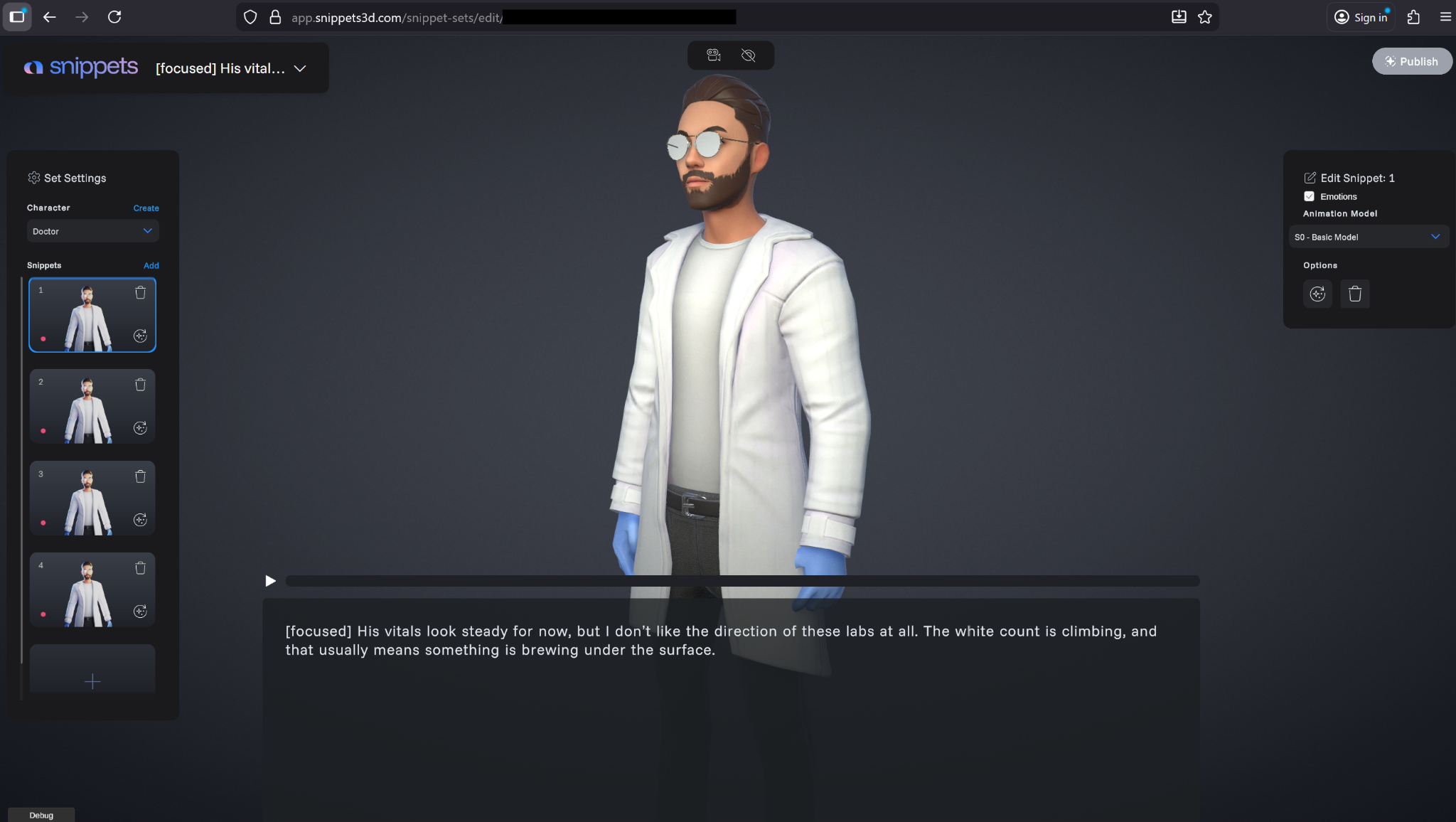
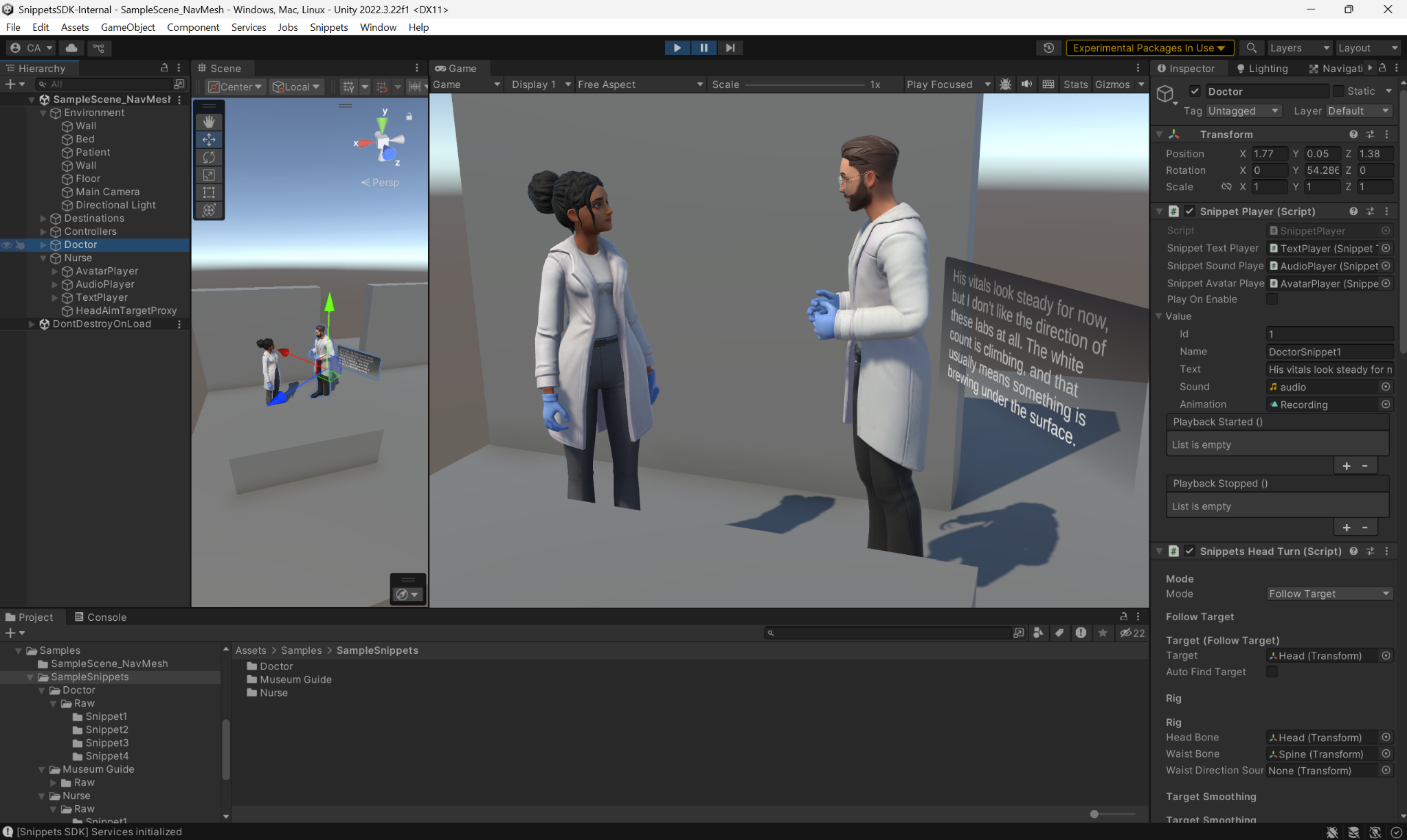
Character in the Snippets web portal & Unity SDK Sample scene in Play Mode
2. Requirements
- Unity 6.3 LTS (6000.3.x), Unity 6.0 LTS (6000.0.x) or Unity 2022.3 LTS (2022.3.x)
- Snippets account
- Internet access for package/cloud operations
- Git installed if using Git URL installation (recommended)