10. Helper tools (see “8. Setting Up a Scene With Helper Tools (Step-by-Step)” for detailed implementation)
10.1 SnippetsActorRegistry
Purpose:
- Central actor/snippet/walk/gaze mapping
- Animation transitions (idle/walk/snippet)
- Soft/hard stop behavior and post-fade face reset
Per actor assign:
- SnippetPlayer
- optional SnippetsWalker
- optional SnippetsGazeDriver
- legacy Animation (can auto-find)
- idle clip, walk clip
- snippet list
- drag actors in Actors object field for auto-configure Use when you have multi-actor orchestration or any flow controller.
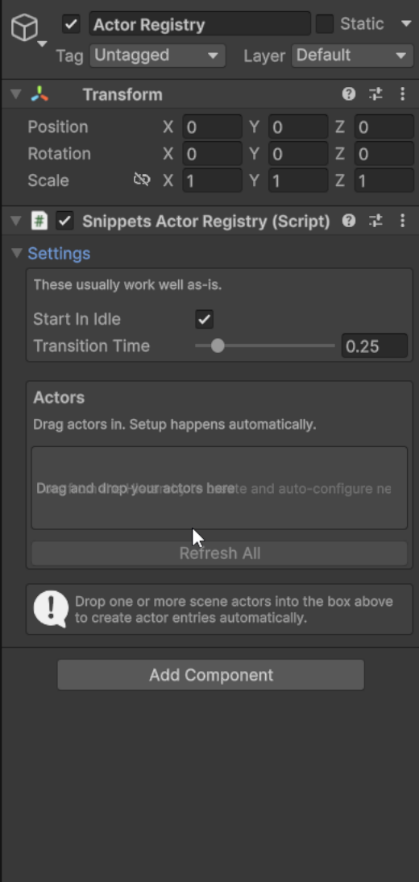
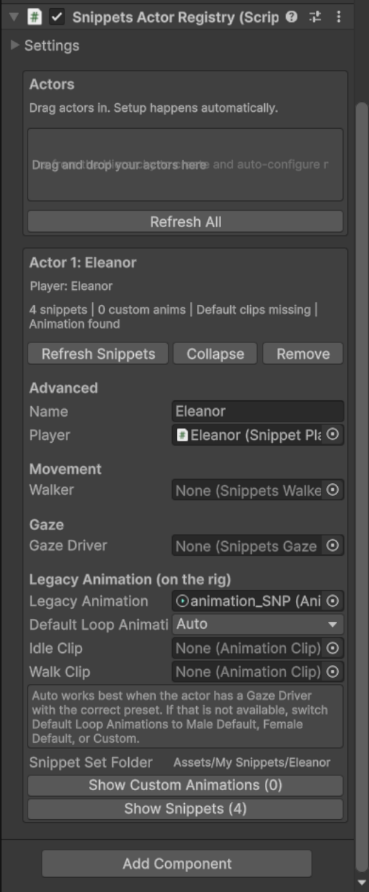
Snippets Actor Registry component
10.2 SnippetsSimpleController
Purpose:
- Trigger single actions quickly (Snippet, Walk, Pause, Custom Animation, or Snippet + Custom Animation)
- Good for prototyping and QA checks
Key fields:
- Registry
- Action type
- Actor index
- Snippet index / Waypoint index
- Optional keyboard trigger
Runtime controls:
- Start
- Stop
- Reset
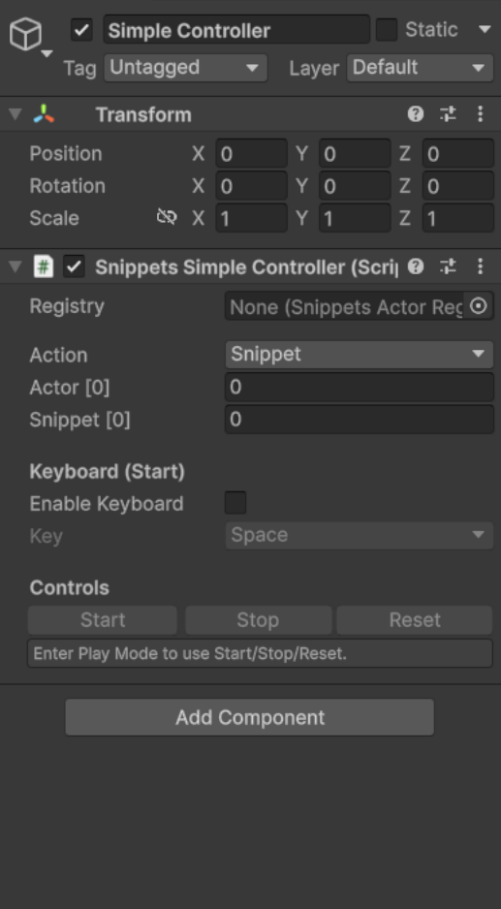
SnippetsSimpleController component
10.3 SnippetsFlowController
Purpose:
- Scripted sequence of Snippet / Walk / Pause / Custom Animation steps
- Supports Snippet + Custom Animation steps
- Looping and manual progression support
- Emits StepStarted / StepFinished events
Key fields:
- Registry
- Steps list
- Play On Start
- Loop Sequence
- Auto Progress
- Keyboard key Use for guided narrative/tour timelines.
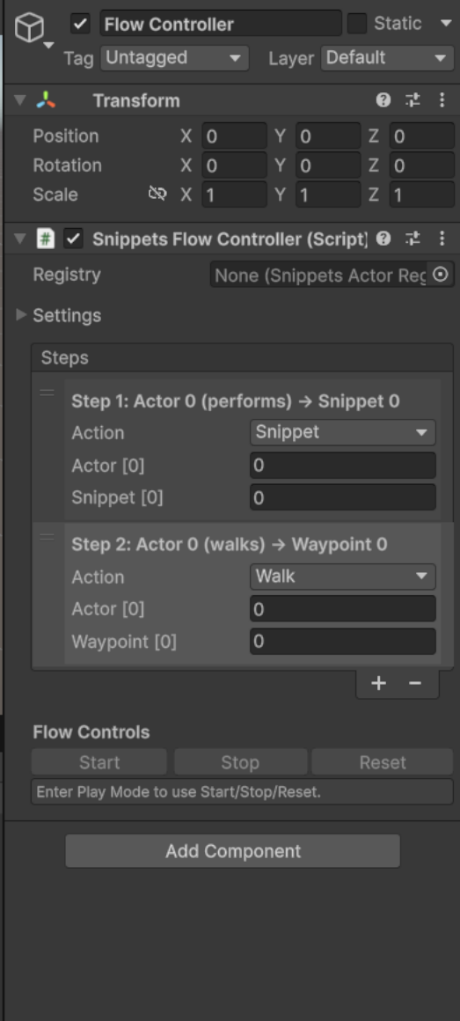
SnippetsFlowController component
10.4 SnippetsGazeFlowController
Purpose:
- Gaze orchestration synchronized to Flow steps
- Supports Simple and Granular cue modes
Modes:
- Simple: apply overrides at step start
- Granular: apply cue overrides by percentage of snippet duration
Target types:
- Transform
- Actor
- MainCamera
- Forward
- None
Unspecified actor policy:
- KeepPrevious
- SetOff
- LookAtMainCamera
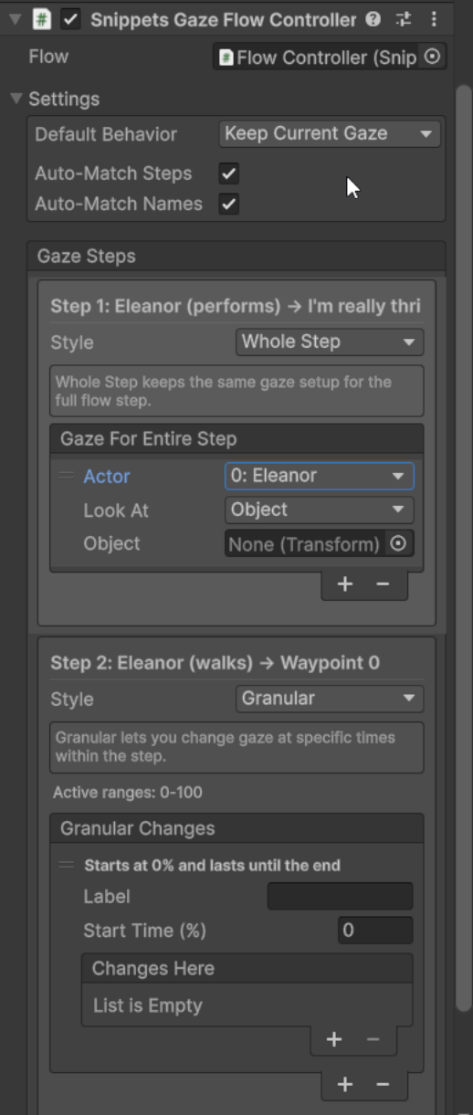
SnippetsGazeFlowController component
10.5 SnippetsWalker
Purpose:
- Waypoint movement with optional NavMesh mode
Key fields:
- Waypoints
- Move speed / arrive distance / turn speed
- useNavMesh + NavMeshAgent settings
- anti-drift options
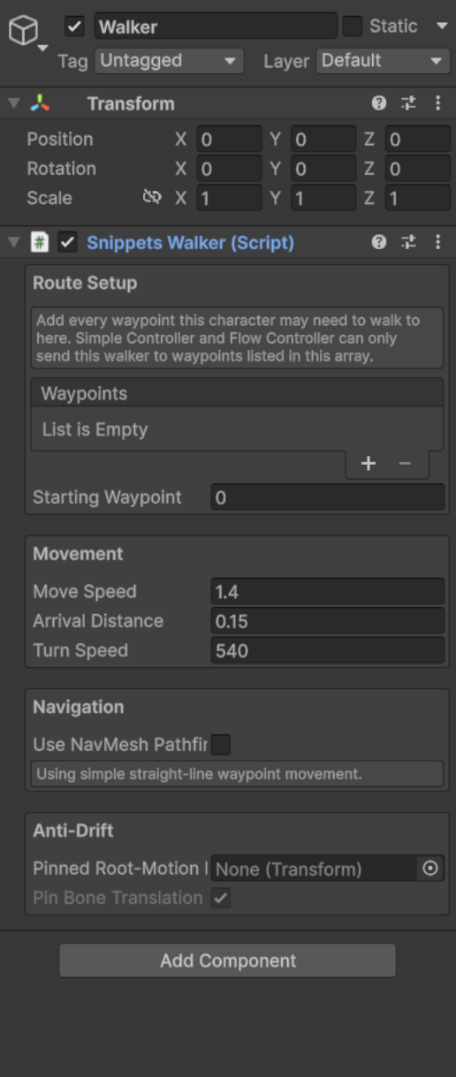
SnippetsWalker component
10.6 SnippetsGazeDriver
Purpose:
- Procedural head/eye/waist gaze control with smoothing and limits
Modes:
- FollowTarget
- LookInFront
- Off
Key fields:
- Head and waist, and optional eye bone, references
- lookWeight, blendSpeed, maxYaw/maxPitch
- smoothing and waist-follow tuning
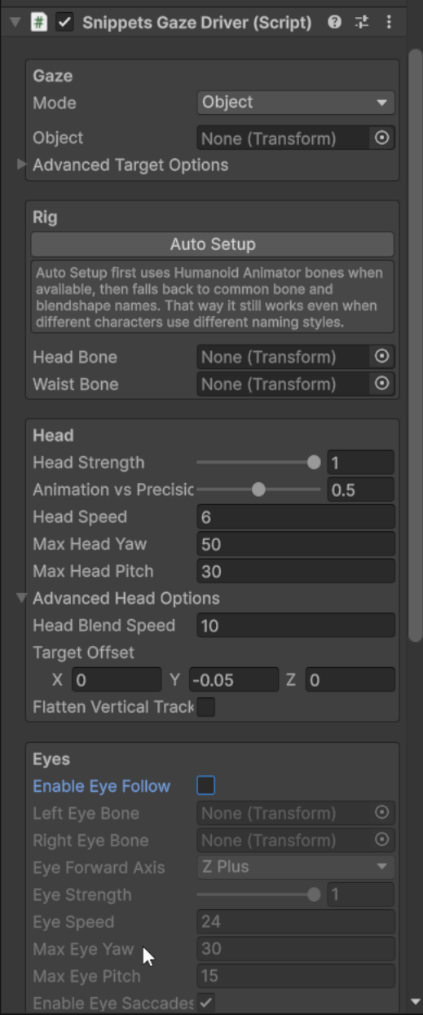
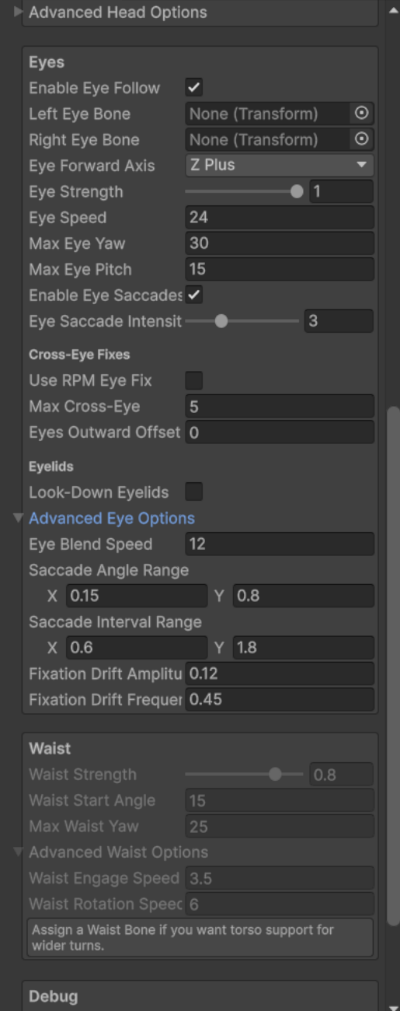
10.7 Snippets Scene Auto Setup
Purpose:
- Fast beginner-friendly setup for Actor Registry, Flow Controller, Gaze Flow Controller, and Simple Controller
- Optional auto-add/setup for SnippetsGazeDriver and SnippetsWalker on actors
- Recommended starting point before manual fine-tuning
← Previous: Template And Playback Modes
Next: Programmer Integration Guide →