Create Your First Snippet Set
This guide will walk you through how to create your first Snippet Set on the Snippets3D web portal.
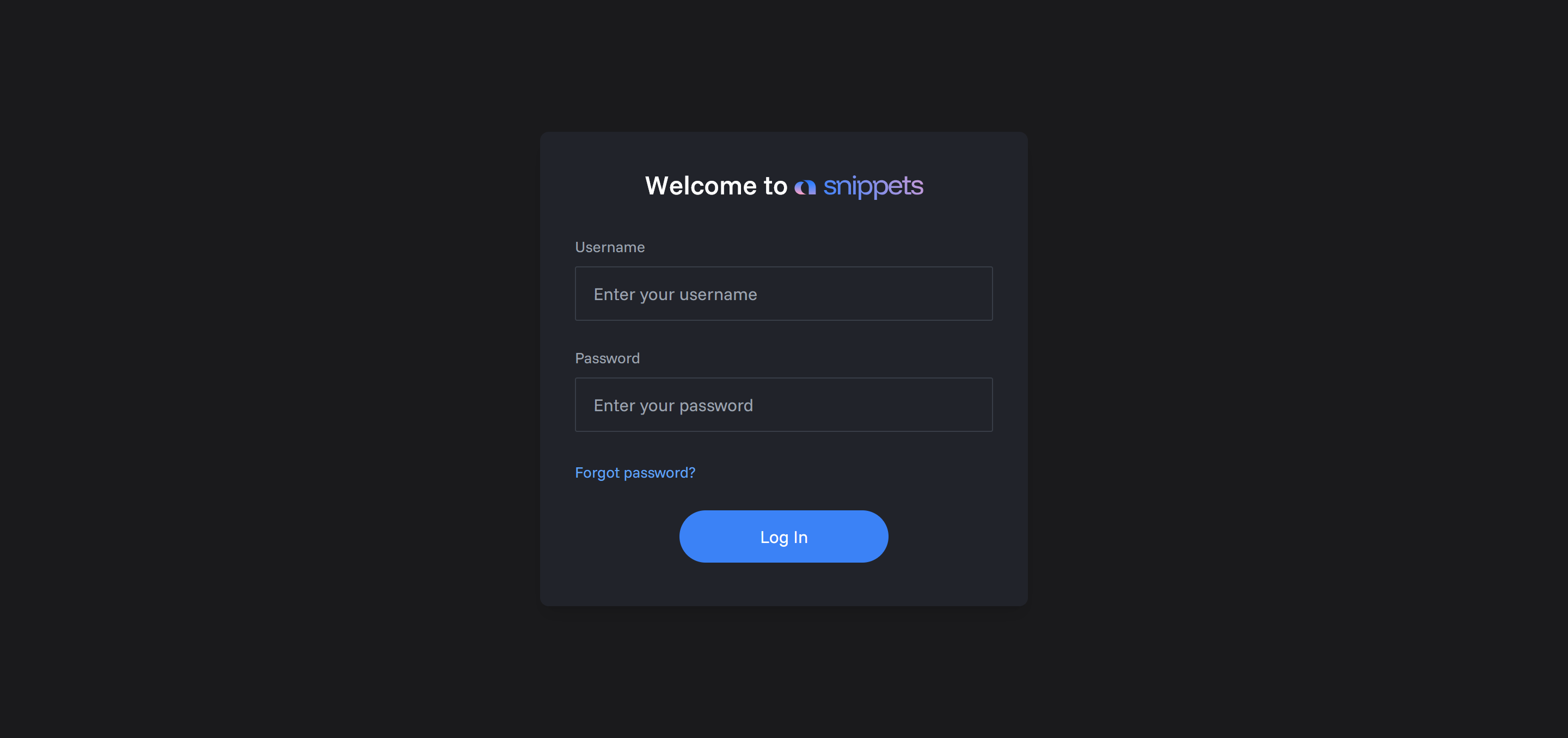
Step 1: Log In
First, log into the web portal at app.snippets3d.com.
You should have received your login credentials from the Snippet Staff.
Step 2: Create a New Snippet Set
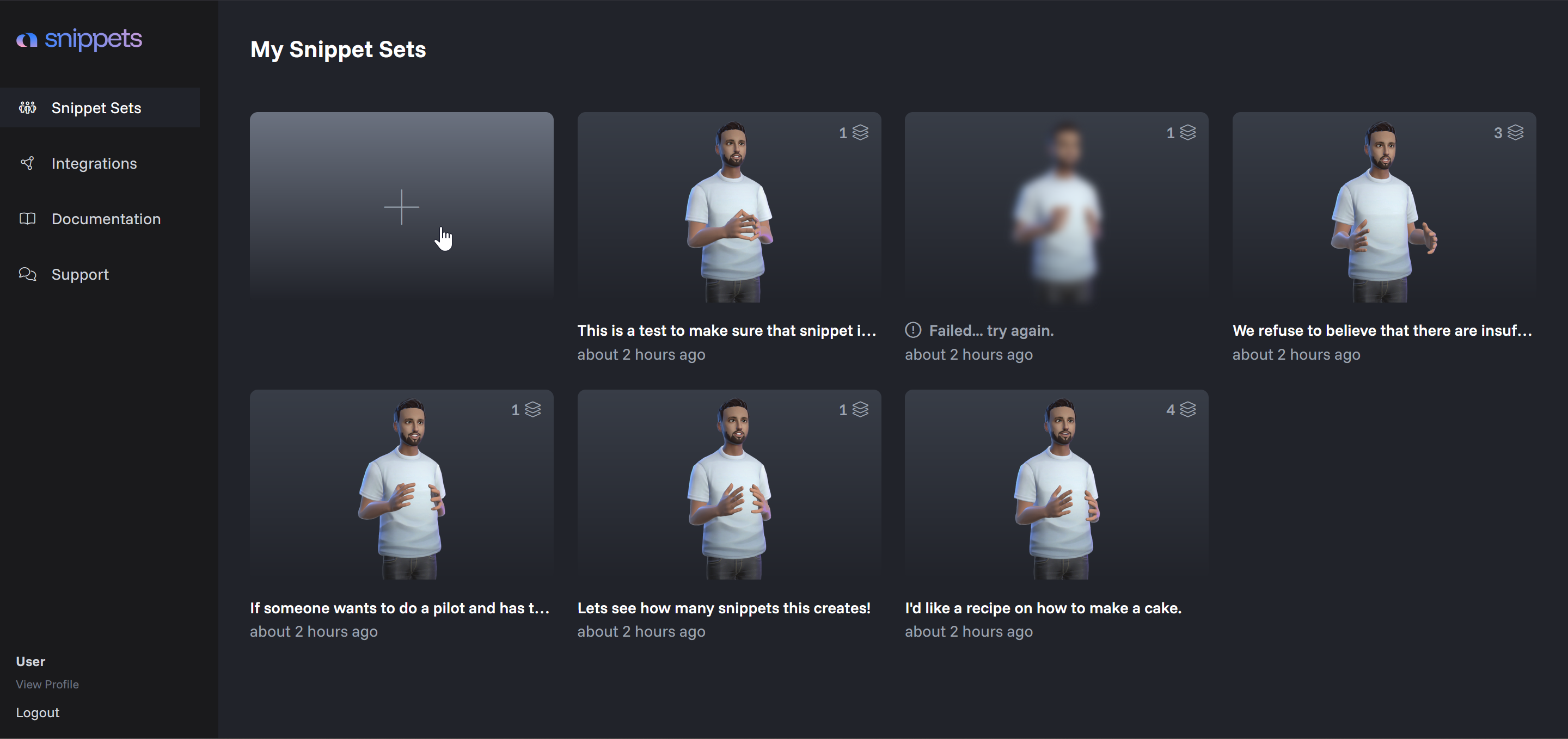
Once logged in, click the large ➕ button to generate your first Snippet Set.
You'll be presented with three options:
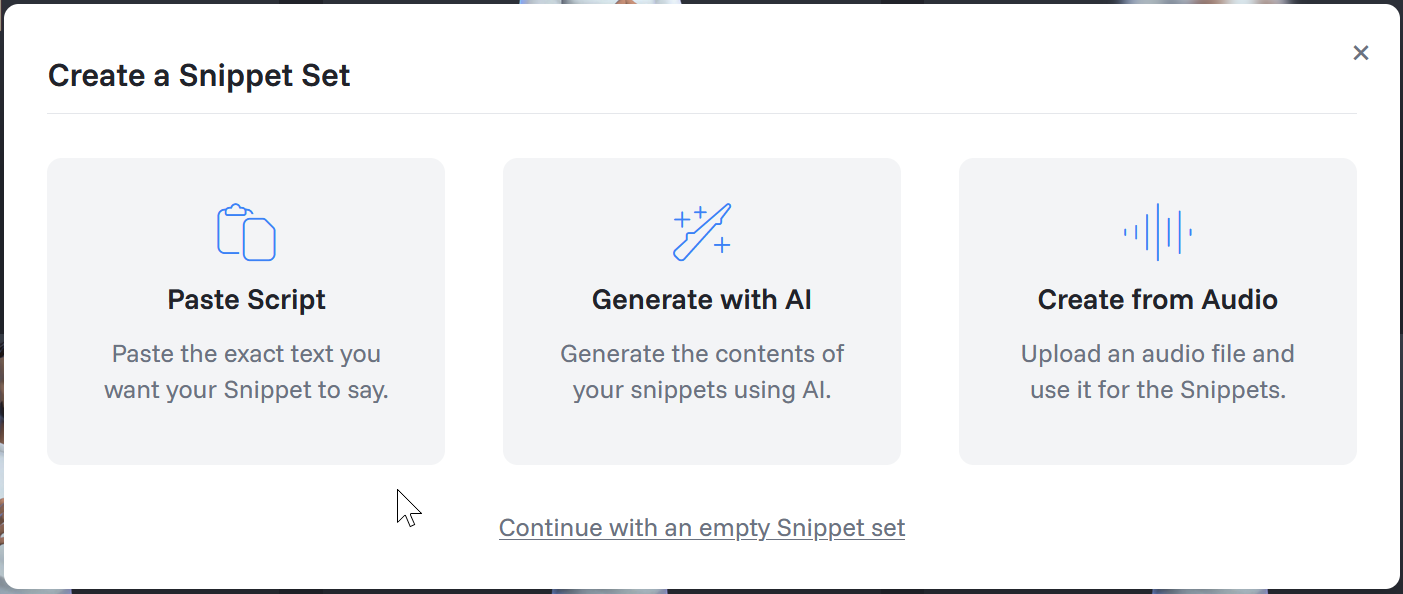
Option 1: Paste Script
This lets you input a script that the character will speak word-for-word.
Option 2: Generate with AI
This option allows you to provide a prompt, and our AI will generate a script based on your input.
Example prompt:
"Teach me how to bake a cake."
The system will create a series of snippets containing relevant information about the topic.
You can also control the duration of your snippet set using the slider provided.
Option 3: Create from Audio
This feature allows you to upload an audio file, and Snippets3D will automatically create a snippet based on the audio provided.
⚠️ Note: This feature does not use AI-generated voices – your original audio is preserved.
Alternative: Start from Scratch
If you prefer to build everything manually, select:
Continue with an empty snippetset
Step 3: Select Character
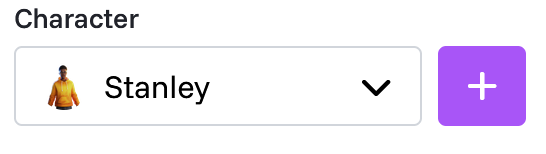
For each snippet or snippet set, you can choose a character.
When you are finished, click "Snippify" and our system will start building your Snippet Set! 🎉